
Random Without Repeats in Java: Schedule Posts to X with Spring Boot and a Shuffle Bag
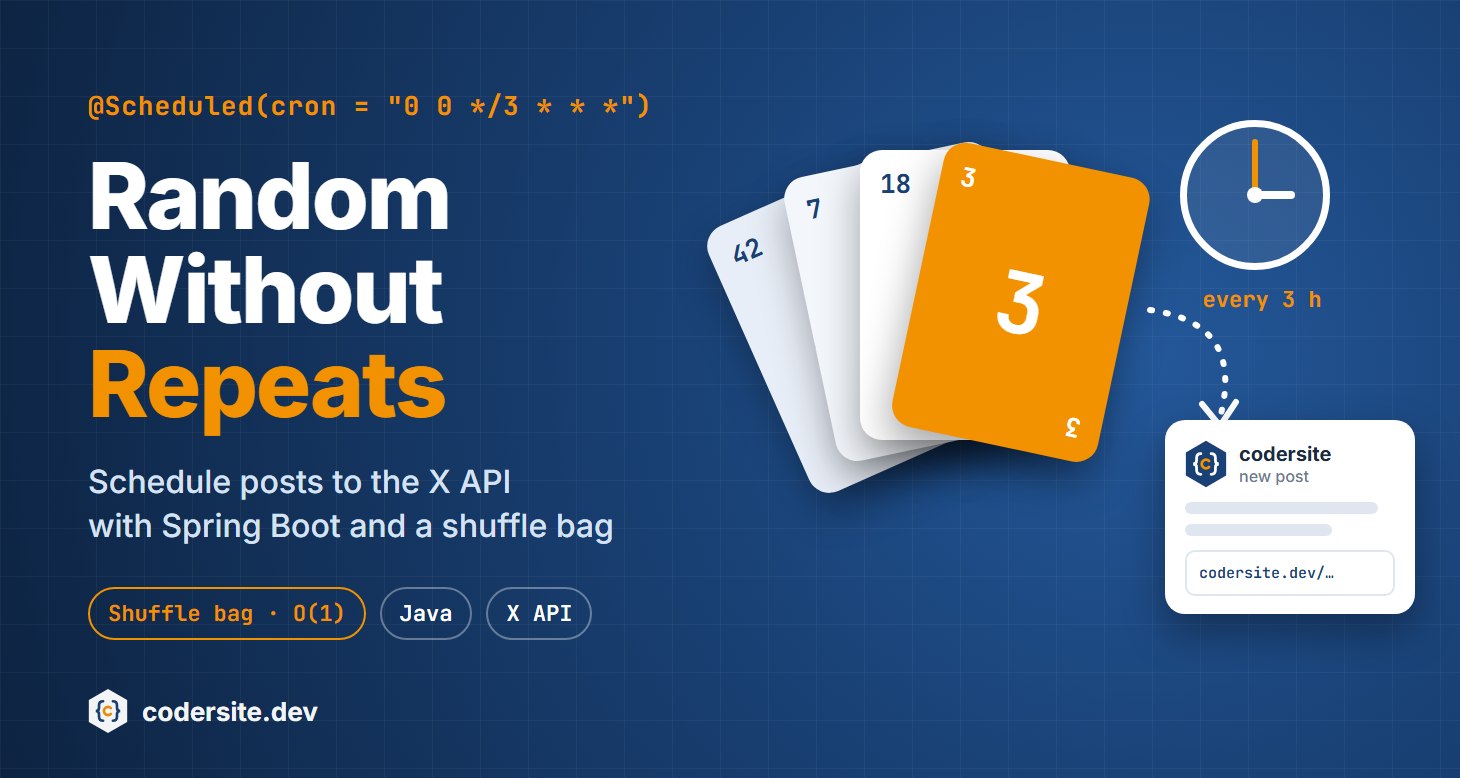
You’ve written a hundred articles, and you want a bot to share one of them every three hours, even while you sleep. “Pick a random article” sounds like one line of code. But your followers will notice quickly when the same article shows up twice in one afternoon. What you really need is random without repeats, and that’s a small algorithm problem with a surprisingly elegant solution.
This post builds the bot with Spring Boot: a scheduler, two ways to pick articles without repeats, and a client for the X (formerly Twitter) API, including what posting through the API costs today.
The Requirement
- Post one article every three hours: eight posts a day.
- No article may appear twice within one day, so no repeats within any eight consecutive posts.
- Over time, every article gets posted equally often.
The articles are listed in a text file, one per line:
1
2
3
SOLID principles;https://codersite.dev/solid-principles-the-definitive-guide/;#solid #oop
Clean code;https://codersite.dev/clean-code/;#programming #cleancode
Binary Search Tree;https://codersite.dev/...;#algorithms #datastructures
Each line becomes a record:
1
public record Article(String title, String link, String hashTags) {}
A repository reads the file:
1
2
3
4
5
6
7
8
9
10
11
12
13
14
15
16
17
18
@Repository
public class ArticleRepository {

  // Each line of articles.txt is "title;link;hashtags"
  public List<Article> findAll() {
    ClassPathResource file = new ClassPathResource("articles.txt");
    try (BufferedReader reader = new BufferedReader(
        new InputStreamReader(file.getInputStream(), StandardCharsets.UTF_8))) {
      return reader.lines()
          .filter(line -> !line.isBlank())
          .map(line -> line.split(";"))
          .map(parts -> new Article(parts[0], parts[1], parts[2]))
          .toList();
    } catch (IOException e) {
      throw new UncheckedIOException("Cannot read articles.txt", e);
    }
  }
}
Scheduling with @Scheduled
Spring runs a method on a schedule when you annotate it with @Scheduled and enable scheduling once, on the main class:
1
2
3
4
5
6
7
8
@SpringBootApplication
@EnableScheduling
public class PostSchedulerApplication {

  public static void main(String[] args) {
    SpringApplication.run(PostSchedulerApplication.class, args);
  }
}
The cron attribute works like a Unix cron job, with one extra field for seconds:
1
@Scheduled(cron = "0 0 */3 * * *", zone = "Europe/Berlin")
The six fields are second, minute, hour, day of month, month, day of week. 0 0 */3 * * * means “at second 0 of minute 0, every third hour”: 00:00, 03:00, 06:00 and so on. The zone attribute makes the schedule independent of the server’s time zone, which matters when you deploy to a cloud server that runs on UTC.
First Attempt: Random and Retry with a Queue
The obvious idea is to pick a random article and try again if it was posted recently. To remember the last eight posts, we need a structure that keeps a fixed number of elements, adds the newest at the end, and drops the oldest from the front. That’s a queue, a first-in, first-out (FIFO) data structure:
1
2
3
4
5
6
7
8
9
10
11
12
13
14
15
private static final int NO_REPEAT_WINDOW = 8;
private final Queue<Integer> recent = new ArrayDeque<>();

private Article getRandomArticle() {
  int index;
  do {
    index = ThreadLocalRandom.current().nextInt(articles.size());
  } while (recent.contains(index));         // posted recently: try again

  if (recent.size() == NO_REPEAT_WINDOW) {
    recent.remove();                        // forget the oldest
  }
  recent.add(index);
  return articles.get(index);
}
It works, and with 100 articles it’s fast. But how many tries does the loop need? If 8 of n articles are blocked, each try succeeds with probability (n − 8) / n, so the loop needs n / (n − 8) tries on average:
| Articles | Average tries per post |
|---|---|
| 100 | 1.09 |
| 20 | 1.67 |
| 10 | 5 |
| 9 | 9 |
| 8 | the loop never ends |
I confirmed these numbers with a simulation of 100,000 posts. The real danger isn’t speed; it’s the last row. If someone sets the window to the number of articles, or deletes a few articles from the file, every article is “recent”, and the scheduler hangs forever without an error message. Also, recent.contains scans the whole queue, so every try costs O(k) for a window of k.
The Better Solution: A Shuffle Bag
Think of a deck of cards. Instead of drawing a random card and putting it back, you shuffle the deck once and deal from the top. No card can come twice until the deck is empty. Then you shuffle again.
That’s a shuffle bag. Java’s Collections.shuffle implements the Fisher–Yates shuffle, which puts the list in a uniformly random order in O(n). After that, every pick is O(1), without any retries.
There’s one detail to handle: the boundary between two rounds. The last article of one round could be the first of the next round, a repeat within minutes. So when we reshuffle, we move the articles posted at the end of the old round out of the first positions of the new round:
1
2
3
4
5
6
7
8
9
10
11
12
13
14
15
16
17
18
19
20
21
22
23
24
25
26
27
28
29
30
31
32
33
34
35
36
37
38
39
40
41
public class ShuffleBag<T> {

  private final List<T> items;
  private final int window;      // no item repeats within this many picks
  private final Random random;
  private int next = 0;

  public ShuffleBag(Collection<T> items, int window, Random random) {
    if (items.size() < 2 * window) {
      throw new IllegalArgumentException("Need at least " + 2 * window + " items for a window of " + window);
    }
    this.items = new ArrayList<>(items);
    this.window = window;
    this.random = random;
    Collections.shuffle(this.items, random);
  }

  public T next() {
    if (next == items.size()) {
      reshuffle();
      next = 0;
    }
    return items.get(next++);
  }

  // The last `window` items of the old round must not come back
  // in the first `window` picks of the new round.
  private void reshuffle() {
    Set<T> recent = new HashSet<>(items.subList(items.size() - window, items.size()));
    Collections.shuffle(items, random);
    for (int i = 0; i < window; i++) {
      if (recent.contains(items.get(i))) {
        int j;
        do {
          j = window + random.nextInt(items.size() - window);
        } while (recent.contains(items.get(j)));
        Collections.swap(items, i, j);
      }
    }
  }
}
Compared with the first attempt:
- Each pick is O(1), and a full reshuffle costs O(n) once per round. See Big O notation if these terms are new to you.
- It can’t hang. The constructor rejects a configuration that can’t work, with a clear error message, instead of looping forever at 3 a.m.
- It’s fair. Every article is posted exactly once per round.
I tested it with 200,000 picks for several sizes (100, 17, 16 and 9 items): there was no repeat within any window, and every item was picked equally often.
“Pick random elements without repeats” is a classic coding interview question, and the shuffle bag is the answer interviewers hope to hear. Practice more questions like it:
The Scheduler
The scheduler takes the next article from the bag and posts it:
1
2
3
4
5
6
7
8
9
10
11
12
13
14
15
16
17
18
19
20
21
@Component
public class ArticleScheduler {

  private static final Logger logger = LoggerFactory.getLogger(ArticleScheduler.class);
  private static final int NO_REPEAT_WINDOW = 8;   // 8 posts = one day at one post every 3 hours

  private final ShuffleBag<Article> articles;
  private final XClient xClient;

  public ArticleScheduler(ArticleRepository repository, XClient xClient) {
    this.articles = new ShuffleBag<>(repository.findAll(), NO_REPEAT_WINDOW, new Random());
    this.xClient = xClient;
  }

  @Scheduled(cron = "0 0 */3 * * *", zone = "Europe/Berlin")
  public void postRandomArticle() {
    Article article = articles.next();
    String id = xClient.post(article.title() + " " + article.link() + " " + article.hashTags());
    logger.info("Posted '{}' as post {}", article.title(), id);
  }
}
The scheduler decides when, the shuffle bag decides what, and the client decides how to post. Because each class has one job, you can swap X for another network, or the shuffle bag for another strategy, without touching the rest:

Posting to the X API
A post is created with one request: POST https://api.x.com/2/tweets, with a JSON body containing the text. The API answers 201 Created with the new post’s ID. A client with Spring’s RestClient:
1
2
3
4
5
6
7
8
9
10
11
12
13
14
15
16
17
18
19
20
21
22
23
24
25
26
27
28
@Component
public class XClient {

  private final RestClient restClient;

  public XClient(RestClient.Builder builder,
                 @Value("${x.base-url:https://api.x.com/2}") String baseUrl,
                 @Value("${x.access-token}") String accessToken) {
    this.restClient = builder
        .baseUrl(baseUrl)
        .defaultHeader(HttpHeaders.AUTHORIZATION, "Bearer " + accessToken)
        .build();
  }

  // Creates a post and returns its id
  public String post(String text) {
    PostResponse response = restClient.post()
        .uri("/tweets")
        .contentType(MediaType.APPLICATION_JSON)
        .body(Map.of("text", text))
        .retrieve()
        .body(PostResponse.class);
    return response.data().id();
  }

  record PostResponse(PostData data) {}
  record PostData(String id, String text) {}
}
I tested this client against a local mock server that answers like the X API. It sends exactly this request:
1
2
3
4
5
POST /2/tweets HTTP/1.1
Authorization: Bearer <access-token>
Content-Type: application/json

{"text":"SOLID principles https://codersite.dev/solid-principles-the-definitive-guide/ #solid #oop"}
Authentication: posting requires a token that acts on behalf of your account (user context), not an app-only token. With OAuth 2.0, you authorize your app once with the scopes tweet.write, tweet.read and users.read. Add offline.access too: the access token expires after two hours, and the refresh token lets your bot get a new one without you. Alternatively, X still supports OAuth 1.0a user tokens, which don’t expire but require each request to be signed. Never put a token in your code or in Git; pass it as an environment variable, for example X_ACCESS_TOKEN.
What Posting to X Costs
When this post was first written, posting through the Twitter API was free. That’s no longer the case. The X API now charges per request, from prepaid credits. These are the official rates on the X API pricing page in October 2026:
| Request | Price |
|---|---|
| Create a post | $0.015 |
| Create a post with a link | $0.20 |
A link makes a post more than 13 times as expensive, and a bot that shares articles always includes a link. What this bot costs per month (posts per 30 days):
| Schedule | Posts | With link | No link |
|---|---|---|---|
| Every 3 h | 240 | $48.00 | $3.60 |
| 2 × a day | 60 | $12.00 | $0.90 |
| 1 × a day | 30 | $6.00 | $0.45 |
According to third-party reports, X closed its free tier to new developers in February 2026 (outstand.so, postproxy.dev). At the time of writing, the pricing page offers a one-time credit when you add your first payment card. Prices change often, so check the current rates in the X Developer Console before you start a bot, and set a spending limit.
Two ways to keep the costs down:
- Post less often. Once or twice a day is enough for most accounts, and it’s less likely to feel like spam to your followers.
- Use other channels. The scheduler and the shuffle bag don’t depend on X. Only
XClientdoes. Mastodon and Bluesky offer free APIs for posting, and you can add a client for each next toXClient.
Before You Deploy
- Keep the state somewhere safe. The shuffle bag lives in memory, so a restart starts a new round and may repeat a recent article. For a bot that runs for months, save the order and the position in a small file or database table.
- Handle errors. If the API is down or your credits run out,
retrieve()throws an exception. Log it, and don’t retry a paid request in a loop. - Run one instance. Two instances of the application would each post on the same schedule.
“If this article helped you, help me create the next one.”
☕ Buy me a coffee