JSON to Java POJO Converter
Paste a JSON object or API response and get Java classes for Jackson: records, Lombok or classic POJOs. Nested objects, lists, dates and snake_case names are handled for you.
Runs in your browser. Your data is never sent to a server.
How to Use the JSON to Java Converter
- Paste your JSON, for example a response from the API you want to call, or click Sample. The Java code is generated as you type.
- Choose what to generate: Java records (Java 16+), Lombok classes with
@Data, or plain POJOs with getters and setters. - Set the class name and package, and the options you need.
- Copy or Download the code. By default, all classes are in one file, with the nested classes inside the main one. Tick One file per class to get separate top-level classes.
Every class this tool generates compiles, and Jackson reads the JSON back into it without losing data. We test each output style that way.
How JSON Types Become Java Types
| JSON value | Java type |
|---|---|
"text" |
String |
42 |
Integer |
3000000000 |
Long (too big for an int) |
An integer beyond the long range |
BigInteger |
29.90 |
Double, or BigDecimal with the option |
true |
Boolean |
"2026-10-20" |
LocalDate |
"2026-10-17T09:30" |
LocalDateTime |
"2026-10-17T09:30Z" |
OffsetDateTime |
{ ... } |
A new class, named after the field |
[ ... ] |
List<...> of the element type |
{} |
Map<String, Object> |
null |
Object (the sample doesn’t show the real type) |
The converter looks at all elements of an array. If one item has a field the others don’t, the field is still generated. If quantity is 2 in one item and 3000000000 in another, it becomes a Long. It also reads numbers exactly as written: most online converters use JavaScript’s JSON.parse, which rounds integers above 253, so they can’t tell that an ID needs a long.
Wrapper types (Integer, Boolean) are the default because a JSON field can be missing or null. Tick Primitive types to use int and boolean for fields that are present and non-null in every object of your sample.
For prices and other money values, tick BigDecimal for decimals: double can’t store 0.1 exactly, and rounding errors add up in totals.
Records, Lombok or POJOs?
- Java records are the best choice for data you only read, such as API responses. They’re short, immutable, and Jackson supports them without extra configuration. You need Java 16 or newer.
- Lombok classes are mutable and have a no-argument constructor, which some libraries and older frameworks need.
@Datagenerates the getters, setters,equals,hashCodeandtoString. - POJOs with getters and setters work everywhere, without Lombok and in any Java version, but they’re long.
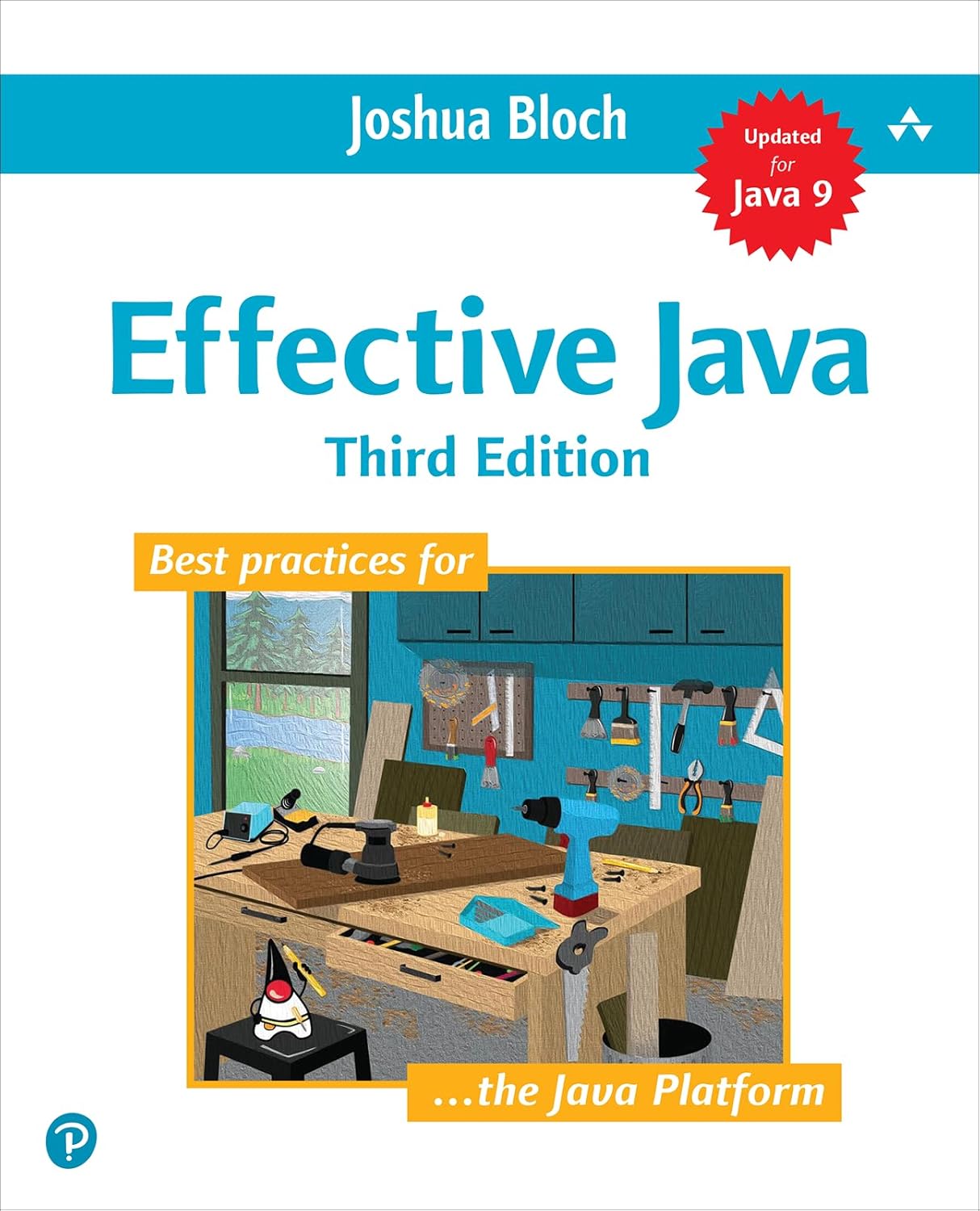
Records are immutable by design, and their compact syntax makes them a good fit for data transfer objects. Effective Java by Joshua Bloch explains why immutable classes are easier to use correctly, and how to design the ones you write by hand:
Read the JSON with Jackson
If you generate the sample with the class name Order, one line reads the JSON:
1
2
JsonMapper mapper = JsonMapper.builder().build();
Order order = mapper.readValue(json, Order.class);
If the JSON is an array, read it as a list:
1
List<Order> orders = mapper.readValue(json, new TypeReference<List<Order>>() {});
In a Spring Boot application you don’t call Jackson yourself. RestClient converts the response for you:
1
2
3
4
Order order = restClient.get()
    .uri("/orders/{id}", id)
    .retrieve()
    .body(Order.class);
Read more in How to replace OAuth2RestTemplate with Spring’s RestClient.
snake_case Names
JSON APIs often use snake_case names like full_name. The converter keeps Java’s camelCase (fullName) and adds @JsonProperty("full_name"), so each class works on its own. If the whole API uses snake_case, you can configure Jackson once instead:
1
2
3
JsonMapper mapper = JsonMapper.builder()
    .propertyNamingStrategy(PropertyNamingStrategies.SNAKE_CASE)
    .build();
Unknown Properties
APIs add new fields over time. Jackson 3, the version in Spring Boot 4, ignores JSON properties that your class doesn’t have. Jackson 2 fails with UnrecognizedPropertyException by default, so tick Ignore unknown properties if your project uses Jackson 2 without Spring Boot. It adds @JsonIgnoreProperties(ignoreUnknown = true) to every class.
Dates
Jackson 3 reads LocalDate, LocalDateTime and OffsetDateTime out of the box. With Jackson 2, add the jackson-datatype-jsr310 module (Spring Boot already does). If you’d rather keep dates as strings, untick Detect dates.
Frequently Asked Questions
Is my JSON sent to a server? No. The converter runs entirely in your browser. Nothing you paste is uploaded or stored, so you can use real API responses.
Why is a field typed as Object?
Because the sample doesn’t show its type: the value is null, or the field has different types in different objects. The tool shows a note for each such field. Replace Object with the real type, or paste a sample where the field has a value.
Why does a class get a name like Address2?
Two different objects would get the same class name. When the objects have the same fields, the converter reuses one class instead.
Is the JSON validated first? Yes, with the same strict parser as the JSON Validator. If the JSON is invalid, you see the line, the column and how to fix it.